Bolt (bolt.new) is an AI app builder that generates and runs full-stack web apps from natural-language prompts, right in the browser. You describe what you want and it scaffolds the code, installs dependencies, and lets you edit and deploy without any local setup.
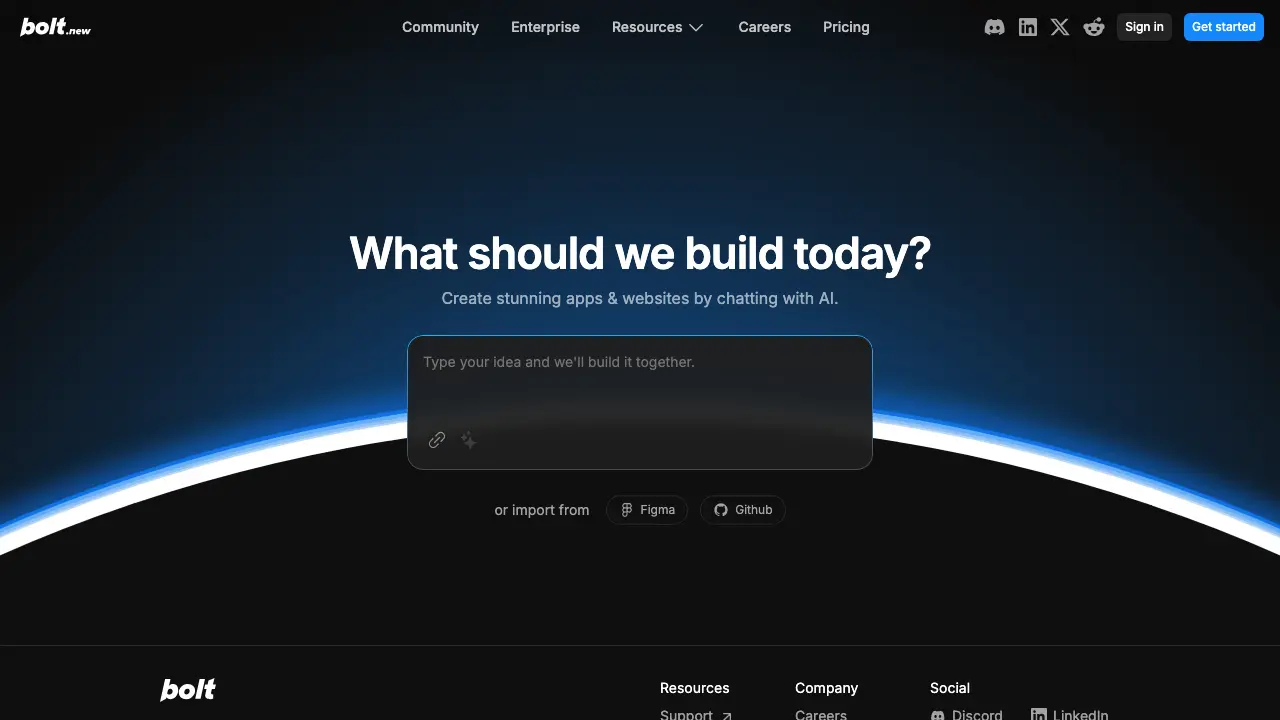
You have an app idea. You describe it in plain English. Minutes later, you see a working prototype. That’s Bolt.new in action. Developers waste hours on boilerplate code or setup. Beginners stall because they lack coding skills. Bolt.new fixes both. You chat with an AI. It generates websites, web apps, or even mobile apps. No manual typing required.
Bolt.new runs on StackBlitz technology. You open the chat interface. Type your idea, like “Create a job board with user login and search.” Hit send. The AI builds the full app. It uses JavaScript frameworks. You preview it instantly in the browser.
The tool handles the heavy lifting. It sets up files, installs dependencies, and writes code. You stay in control. Edit code directly in the built-in editor. Or keep prompting for changes. This setup saves you from starting from scratch every time.
Bolt.new packs tools that speed up your workflow. Here’s what stands out:
These features work for JavaScript stacks. You pick frameworks like React or Next.js. The AI suggests best fits based on your prompt.
Setup time kills momentum. Bolt.new cuts it to zero. You skip npm installs and config files. Focus on your idea instead.
Beginners hit walls with syntax errors or architecture choices. Here, the AI handles that. You learn by seeing generated code. Tweak it through chat. No frustration from blank screens.
Pros deal with repetitive tasks. Refactor a component? Prompt it. Add auth? Done in one message. Users report building MVPs in under an hour. One developer on YouTube shared a CRM prototype from prompt to deploy in 20 minutes.
It also bridges design and code. Import Figma mocks. The AI turns visuals into interactive elements. No more hand-coding layouts.
For Astro users, compatibility shines. Astro builds static sites with JS islands. Bolt.new supports JS frameworks, so you prompt for an Astro setup. It generates components and pages. Deploy the static output easily. Though not explicitly listed, the JS focus means it handles Astro’s island architecture well. Test it by prompting “Build a blog with Astro and MDX support.”
People build practical stuff with Bolt.new. Check these examples:
The YouTube channel shows more. Users share job boards, SaaS logins, and games. Community on Discord discusses prompts that work best. One tip: Break big ideas into steps. Start with “Scaffold a React app,” then add features.
Limitations exist. It shines for JS, so non-JS stacks like Ruby need workarounds. Complex logic might need manual tweaks. Tokens add up for long sessions, but free tier covers experiments.
Bolt.new changes how you prototype. You go from idea to live app without the grind. Grab a free account at bolt.new. Try prompting your next project. You’ll ship faster and iterate smarter.