AI code completion tool that makes developers more productive.
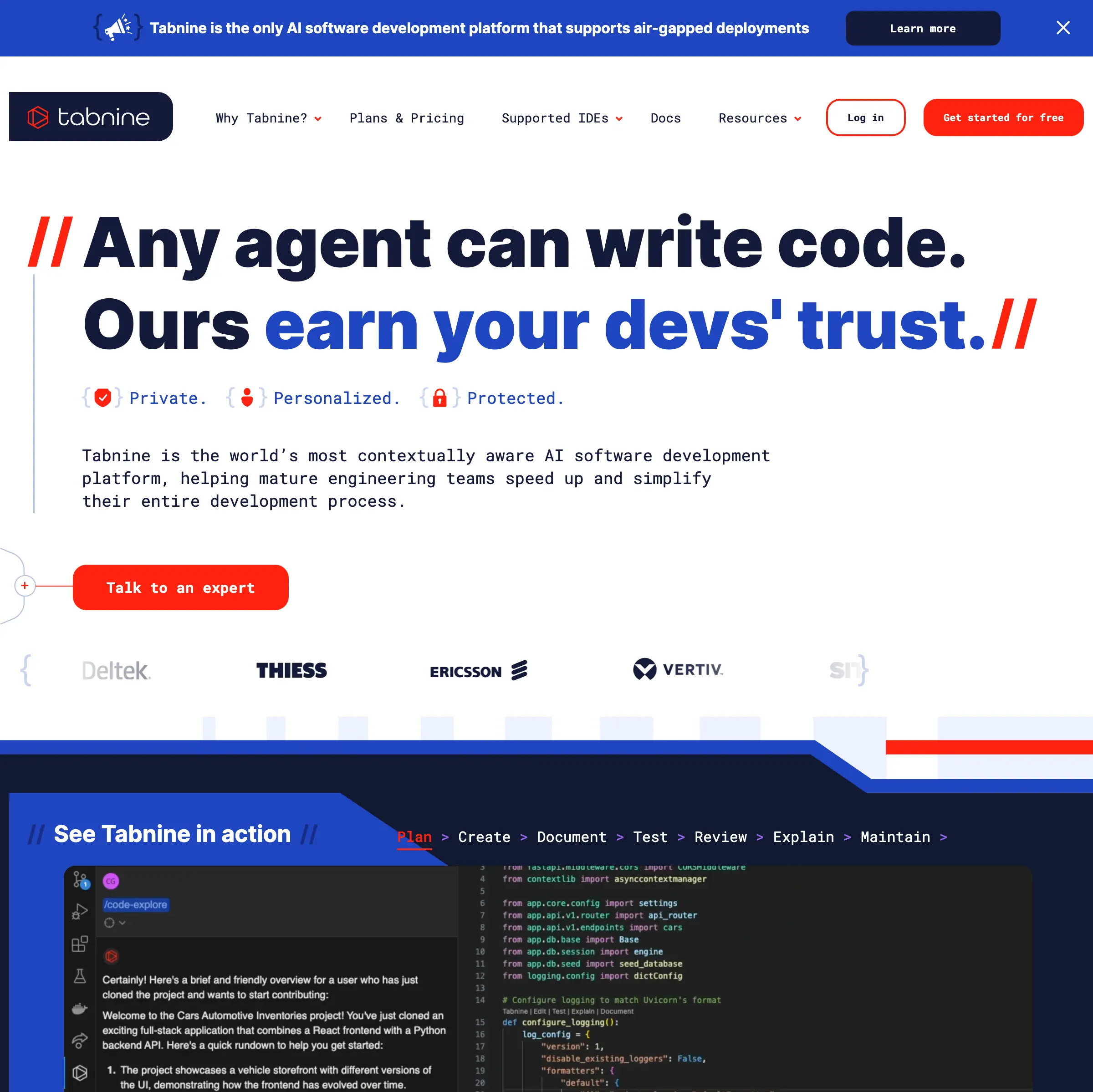
You know that moment when you’re knee-deep in code, and the IDE’s autocomplete just spits out something generic that doesn’t fit your project’s style? It’s frustrating, right? Tabnine steps in as your smart sidekick, an AI-powered code completion tool that learns from your codebase and suggests code that feels tailor-made. Developers use it to write faster and with fewer bugs, and in this post, you’ll see exactly why it stands out in 2025.
Tabnine is an AI code completion assistant that plugs into your favorite IDE, like VS Code or IntelliJ, to suggest code snippets, functions, and even entire blocks as you type. Unlike basic autocompletes, it uses advanced machine learning models trained on vast amounts of open-source code, but it also adapts to your private codebase without sending your data to the cloud if you choose the on-premise version. You get whole-line or multi-line completions in over 30 programming languages, from Python and JavaScript to Rust and Go. It’s not just about filling in blanks; Tabnine acts like a junior developer who knows your project’s patterns, helping you code 30% faster according to user reports from sites like G2.
Think of it this way: you’re building a React app, and Tabnine notices your component structure. Instead of suggesting a vanilla function, it proposes one that matches your hooks and state management setup. That’s the edge it gives you over generic tools.
Tabnine packs features that go beyond simple suggestions, and you can try them right away in your IDE. Here’s what makes it tick.
First, intelligent code completions. As you start typing a function, Tabnine predicts the rest based on context. For instance, in a Node.js project, if you’re writing an Express route handler, it might suggest:
app.get('/users', async (req, res) => {
  try {
    const users = await User.findAll();
    res.json(users);
  } catch (error) {
    res.status(500).json({ error: error.message });
  }
});
It pulls from your codebase’s error-handling patterns, saving you from boilerplate copy-paste.
Next, the chat interface lets you ask questions about your code. Stuck on a bug? Type “explain this regex” in the Tabnine chat, and it breaks it down step by step, like /^(?=.*[a-z])(?=.*\\d)[A-Za-z\\d]{8,}$/ means “password with at least one letter, one digit, minimum 8 characters.” Users on Reddit praise this for quick debugging without switching tabs.
Code refactoring is another gem. Select a block of code, and Tabnine suggests optimizations, such as converting a loop to a map in JavaScript: from for (let i = 0; i < array.length; i++) { results.push(array[i] * 2); } to const results = array.map(x => x * 2);. It supports team-specific rules too, so if your team uses ESLint configs, suggestions align with them.
Privacy modes shine here. With the Pro plan, you run it locally, ensuring sensitive code stays on your machine. Integrations cover major IDEs and languages; install via VS Code marketplace, and it works instantly with TypeScript, Java, and more. Recent 2025 updates include better support for AI agents, where Tabnine can generate unit tests automatically, like creating Jest tests for a function with 95% coverage in seconds.
You benefit from Tabnine in ways that hit your daily grind. It cuts down repetitive typing, so you focus on logic instead of syntax. Developers report writing code up to 50% faster, per a 2024 Stack Overflow survey where Tabnine users averaged 2 hours less per day on boilerplate. Errors drop too; suggestions catch common mistakes like off-by-one in loops or mismatched brackets before you run the code.
For teams, it enforces consistency. Imagine onboarding a new hire; Tabnine suggests code in your style, reducing review time by 20%, as shared in Tabnine’s case studies with companies like Intel. Solo devs love the privacy, avoiding data leaks that plague cloud-based tools. And with offline mode, you code on flights without Wi-Fi hiccups. Overall, it boosts productivity without the learning curve; setup takes minutes, and ROI shows in weeks.
Tabnine keeps it straightforward with tiers that fit different needs. The free Starter plan gives basic completions for individuals, unlimited in personal projects, supporting up to 2 languages. It’s perfect if you’re testing it out.
Upgrade to Pro at $12 per user per month (billed annually), and you unlock team features, unlimited languages, chat, and local deployment. Enterprise starts at $39 per user per month, adding admin controls, custom models trained on your codebase, and SOC 2 compliance for big orgs. They offer a 14-day Pro trial, no credit card needed. In 2025, volume discounts kick in for teams over 50, making it cheaper than competitors for scale. Check their site for exact quotes, but users say the value justifies the cost, especially with time savings.
Tabnine isn’t the only player, so weigh options based on your setup. GitHub Copilot, at $10/month, excels in natural language prompts but sends data to Microsoft servers, raising privacy flags for some; it’s great for quick prototypes but less customizable than Tabnine’s local mode. Amazon CodeWhisperer offers free tiers for AWS users, strong in cloud integrations, yet it lags in multi-language support compared to Tabnine’s 30+.
Sourcegraph Cody provides enterprise search alongside completions, ideal if code navigation is your bottleneck, but it’s pricier at $9/user/month for basics. For open-source fans, there’s Continue.dev, free and self-hosted, though it requires more setup and lacks Tabnine’s polished chat. Choose Tabnine if privacy and IDE depth matter most; switch to Copilot for seamless GitHub workflows. Reviews on G2 in 2025 rate Tabnine 4.7/5 for ease of use, edging out Copilot’s 4.5 on privacy concerns.
There you have it: Tabnine turns coding drudgery into a smooth ride, helping you build better software faster. Grab the free version from their site today, install it in your IDE, and see the difference in your next project. Your future self will thank you.