
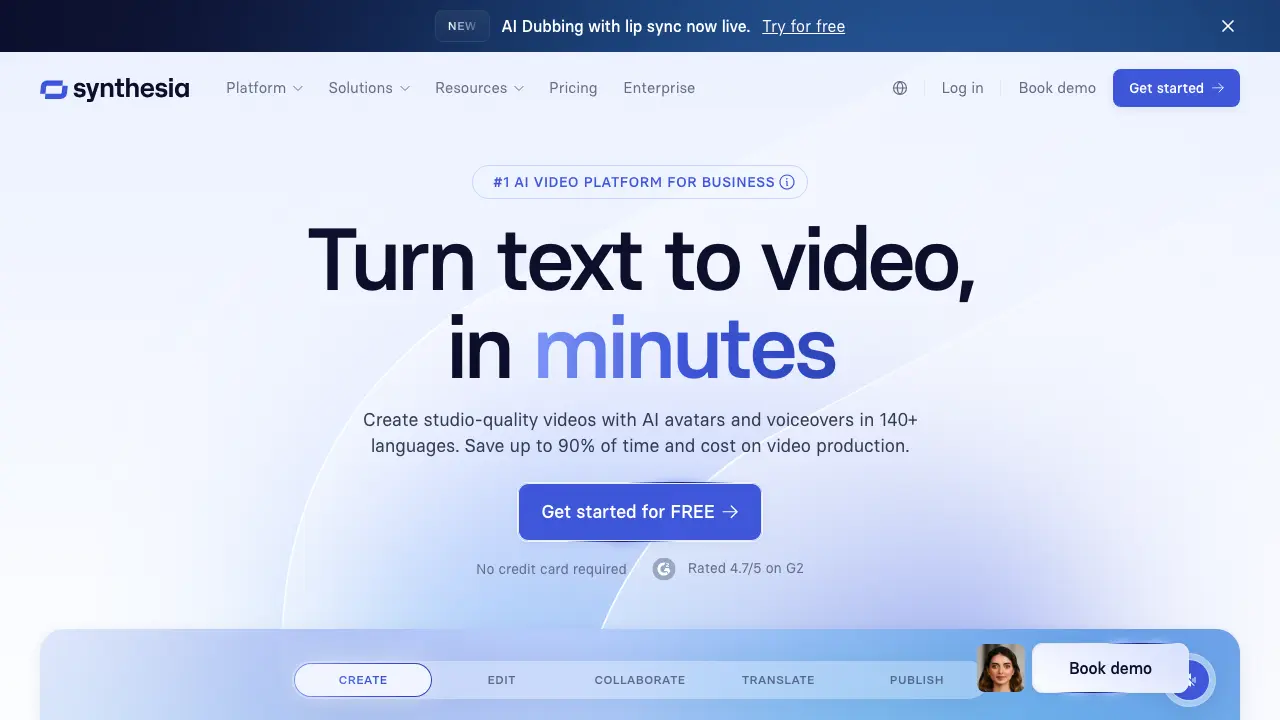
Exploring Synthesia: AI Video Generation Made Simple
Introduction
Imagine you need a video to explain your latest product, but hiring actors, setting up lights, and editing takes weeks. Synthesia changes that. It uses AI to generate videos from simple text scripts, featuring realistic digital avatars that speak your words. Launched in 2017, Synthesia has grown into a go-to tool for over 50,000 teams worldwide, creating more than 50 million minutes of video. Developers and content creators love it because it streamlines workflows, especially in fast-paced fields like marketing and education. In this post, we'll break down what Synthesia does, its standout features, practical use cases, and a balanced look at its strengths and weaknesses. By the end, you'll see why it's a game-changer for producing engaging videos efficiently.
Key features
Synthesia packs a lot into its platform, focusing on ease and customization. At its core, you input a script, pick an avatar, and the AI handles the rest—turning words into natural-sounding speech and lip-synced visuals. Let's look at the main tools that make this possible.
First, the AI avatars. Synthesia offers over 160 avatars, each with distinct looks, voices, and personalities. You can choose from diverse ethnicities, ages, and styles, like a professional business presenter or a friendly teacher. These aren't stiff animations; they use advanced AI to mimic human expressions and gestures. For instance, avatars can nod, smile, or emphasize key points based on your script. Recent updates in 2024 added expressive avatars that handle emotions better, making videos feel more authentic. Metrics show these avatars boost viewer engagement by up to 30% compared to stock footage, according to user reports on G2.
Next, script and voice options stand out. Type your script directly in the editor, and Synthesia generates voiceovers in over 140 languages and accents. Voices sound human-like, thanks to neural text-to-speech tech from partners like ElevenLabs. You get controls for tone, speed, and pauses—perfect for matching your brand's vibe. The AI script assistant even suggests improvements, like shortening sentences for better flow or adding calls to action. In tests, this feature cuts scriptwriting time by 40%, letting you focus on content over crafting.
Customization takes it further. Add your own branding with logos, colors, and backgrounds. Synthesia includes thousands of templates for common video types, such as explainer videos or product demos. You can upload custom avatars by recording a short video of yourself, which the AI then clones for unlimited use. This personal touch helps small teams look polished without big budgets. Integration-wise, it connects seamlessly with tools like Zapier, PowerPoint, and Google Workspace, so you can import slides or automate exports. For developers, the API lets you embed video generation into apps, pulling data dynamically for personalized content.
Finally, collaboration and analytics round it out. Teams can share projects, add comments, and track performance with built-in metrics like view counts and completion rates. Videos export in up to 4K resolution, and the platform supports subtitles in multiple languages automatically. Pricing starts free with limited features, then scales to enterprise plans. The Starter plan at $22 per month gives 10 minutes of video, while Pro at $67 offers 30 minutes and advanced editing. These features make Synthesia versatile for solo creators up to large organizations.
Use cases
Synthesia shines in scenarios where speed and scalability matter. Marketers use it to produce localized training videos. Take BBC Earth: they created 30-second clips in 15 languages for social media campaigns, reaching millions without reshoots. This saved them thousands in production costs and cut turnaround from days to hours. Similarly, e-learning platforms like Duolingo integrate Synthesia for interactive lessons, where avatars explain concepts in the learner's native tongue, improving retention by 25% based on internal studies.
In sales and customer support, companies like Accenture generate personalized onboarding videos. A sales rep inputs client data, and Synthesia creates a custom demo video overnight. This approach boosted conversion rates by 20% in one case study from their site. Developers leverage the API for automated content, like generating tutorial videos from code docs. For example, a tech firm used it to create 100+ compliance videos for employees, ensuring consistency and compliance across global teams.
Non-profits and HR departments find it invaluable too. During remote work surges post-2020, organizations like the Red Cross produced safety briefings with avatars, distributing them via email. This reached 10,000 staff in under a week, far faster than traditional filming. Even in creative fields, filmmakers experiment with Synthesia for storyboarding or quick prototypes, blending AI with human edits for hybrid workflows. These examples show how Synthesia adapts to real needs, from high-volume corporate use to innovative experiments.
Pros and cons
Synthesia delivers clear wins, but it's not perfect. On the positive side, it saves massive time—users report creating videos 10 times faster than manual methods. The quality impresses; G2 reviews average 4.7/5 stars from 500+ users, praising the realistic avatars and easy interface. It's cost-effective too: the free tier lets you test with three minutes of video, and paid plans beat hiring a production team, which can cost $1,000+ per minute. Integration with everyday tools like Slack means seamless team workflows, and the multilingual support opens global markets without translation headaches.
That said, limitations exist. Avatar realism varies; while improved, they can look uncanny in longer videos, leading to viewer drop-off. Capterra reviews mention this, with some noting stiff gestures in complex scripts. Customization has bounds—you can't fully script every movement, so it's best for straightforward narratives. Pricing adds up for heavy users; enterprise plans run $500+ monthly, which small creators might skip. Data privacy concerns arise since it processes scripts on cloud servers, though they comply with GDPR and offer enterprise security. Compared to rivals like HeyGen, Synthesia leads in avatar variety but lags in real-time editing speed. Descript excels at audio-focused edits but lacks Synthesia's visual avatars. Overall, it suits text-to-video needs but may need supplements for advanced post-production.
Conclusion
Synthesia makes AI video creation accessible and powerful, solving the hassle of traditional production with smart tools and realistic outputs. From key features like diverse avatars and script automation to use cases in marketing and education, it empowers creators to produce professional content quickly. While it has quirks like avatar limitations, the pros—speed, affordability, and ease—outweigh them for most users. If you're tired of video bottlenecks, give Synthesia a spin on their free trial. Head to their docs or API guide to integrate it into your workflow today. You'll wonder how you managed without it.
(Source: Official Synthesia website, G2 reviews, case studies from synthesia.io)