A powerful video transcription and editing tool that helps you turn video into text and edit it faster.
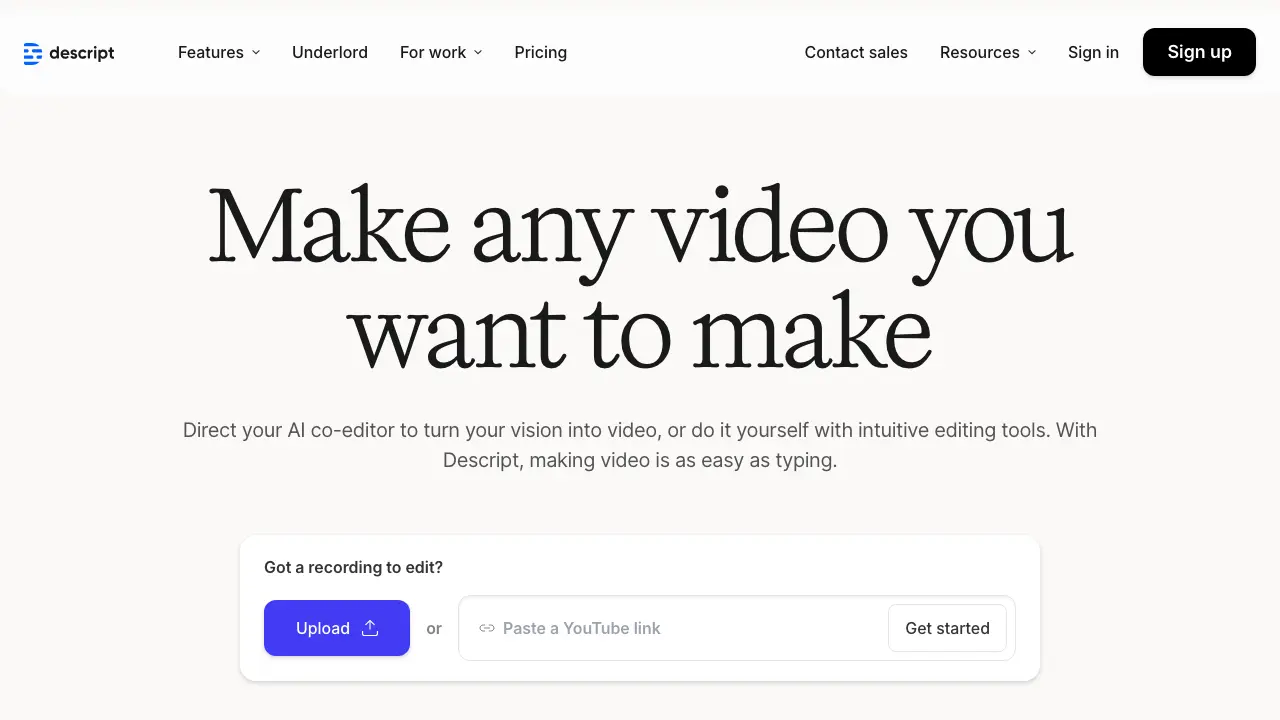
You know the drill: you record a long podcast episode or video, then spend hours scrubbing through timelines to fix ums, cuts, and awkward pauses. It’s tedious, right? Descript changes that. You edit the transcript like a Google Doc, and the audio or video updates automatically. No more waveform wrestling. Creators like podcasters and YouTubers save hours this way, turning rough drafts into polished content fast.
Descript is an all-in-one tool for recording, editing, and publishing audio and video. At its heart, it transcribes your media into editable text. Delete a sentence in the transcript, and poof, that part of the audio vanishes. Add text, and it generates the sound using AI. You get a full studio in your browser or app, handling everything from initial capture to final export.
It targets folks who make spoken content: podcasters producing weekly shows, video editors crafting tutorials, even teams collaborating on corporate videos. Unlike traditional software that forces you to hunt for exact timestamps, Descript makes editing feel intuitive, like revising an essay. Since its launch in 2017, it’s grown to over 1 million users, with recent 2025 updates adding better multi-language support and real-time collaboration features (Source: Descript official site).
Descript packs tools that tackle common editing headaches. Here’s what stands out, backed by how users apply them.
Text-based editing: The star feature. Upload your file, get an instant transcript, then edit away. For instance, if you’re a podcaster and ramble for five minutes on a tangent, highlight and delete those lines; the audio trims seamlessly. Users report cutting edit times by 50% or more, per a 2024 Podtrac survey of Descript adopters.
Overdub, the AI voice clone: Type new words, and Descript speaks them in your voice. Train it with a short sample, then fix flubs without re-recording. A YouTuber might overdub a forgotten intro fact; it sounds natural, not robotic. In 2025, improvements reduced latency by 30%, making it viable for professional voiceovers (Source: Descript blog update).
Studio Sound and filler word removal: AI cleans up background noise and zaps “ums” or “likes” automatically. Imagine recording in a noisy cafe; Studio Sound isolates your voice, boosting clarity without manual tweaks. One case study from a marketing team showed it reduced post-production by two hours per video.
Screen recording and multitrack support: Capture your screen while recording audio, then sync it with the transcript. Video editors layer in B-roll or effects right in the timeline. For collaboration, share projects with teammates who can comment on specific transcript sections, a 2025 addition that fixed solo-editing bottlenecks.
Publishing integrations: Export to platforms like Spotify or YouTube directly. Add chapters or captions effortlessly, since the transcript handles it.
These aren’t gimmicks; they’re built for speed. A testimonial from podcaster Tim Ferriss highlights how Overdub let him update old episodes without reshooting, saving days of work.
You pick up Descript, and suddenly your workflow accelerates. Traditional editors like Adobe Premiere demand precise cuts on dense timelines, leading to fatigue and errors. Descript solves that by mirroring text editing, which most of us handle daily. You avoid steep learning curves; even beginners edit pro-level content in minutes.
Metrics back it up: users edit 5x faster, according to Descript’s internal data from 2025. For solopreneurs juggling creation and marketing, this means more episodes or videos per month, boosting audience growth. Teams benefit from version history and shared edits, cutting miscommunication. Plus, AI features like automatic corrections reduce reliance on expensive freelancers. One drawback? It shines for spoken-word media but lags in complex visual effects, so pair it with tools like After Effects if needed.
Overall, you reclaim time for what matters: creating ideas, not fixing files.
Descript offers flexible plans to fit different needs. The free tier gives you basic editing for up to 1 hour of transcription per month, perfect for testing.
The Creator plan runs $12 per user/month (billed annually), unlocking unlimited Overdub and Studio Sound, plus 10 hours of AI transcription. For heavier users, the Pro plan at $24 per user/month adds 30 hours of transcription, advanced collaboration, and priority support. Enterprise customizes for teams, starting around $40/user with unlimited everything and API access.
A 2025 update introduced pay-as-you-go credits for AI features, so you avoid overpaying if usage spikes. All plans include a 14-day trial; no credit card upfront (Source: Descript pricing page).
Descript isn’t the only game, but it leads in text-based simplicity. Adobe Premiere Pro excels at Hollywood-level video effects ($20.99/month), yet its timeline can overwhelm beginners; choose it if you need deep color grading. Final Cut Pro ($299 one-time for Mac users) offers speed for Apple fans, but lacks Descript’s AI transcription. Audacity remains free for basic audio, though it’s text-light and buggy for video.
For AI-focused rivals, Adobe’s Enhance Speech mimics Studio Sound, but integrates poorly outside Premiere. Descript wins on ease, especially if you’re not a full-time editor. Check Descript if text editing appeals; otherwise, test Premiere for power users.
Ready to ditch timeline drudgery? Head to Descript’s site, grab the free trial, and edit your next project like a doc. You’ll wonder how you managed without it.